What you see
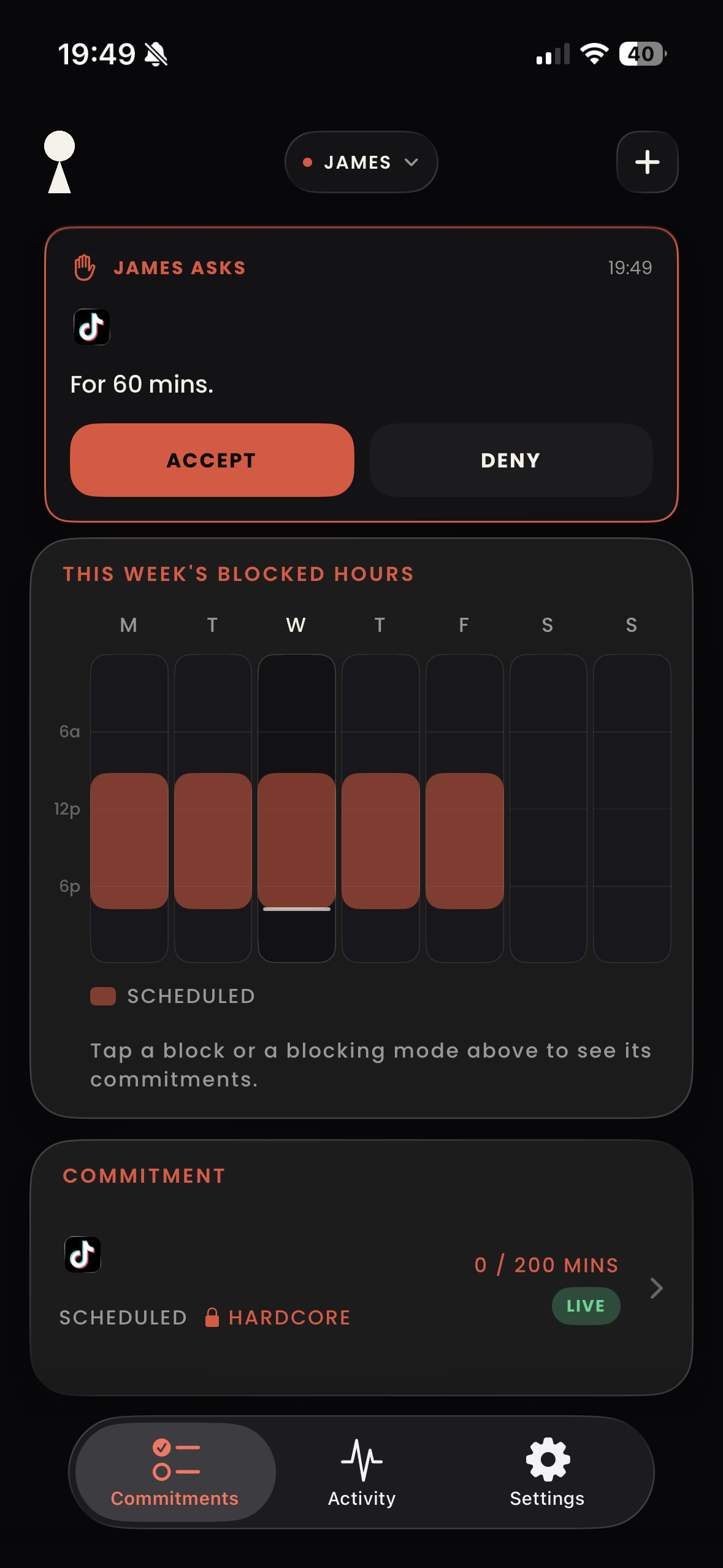
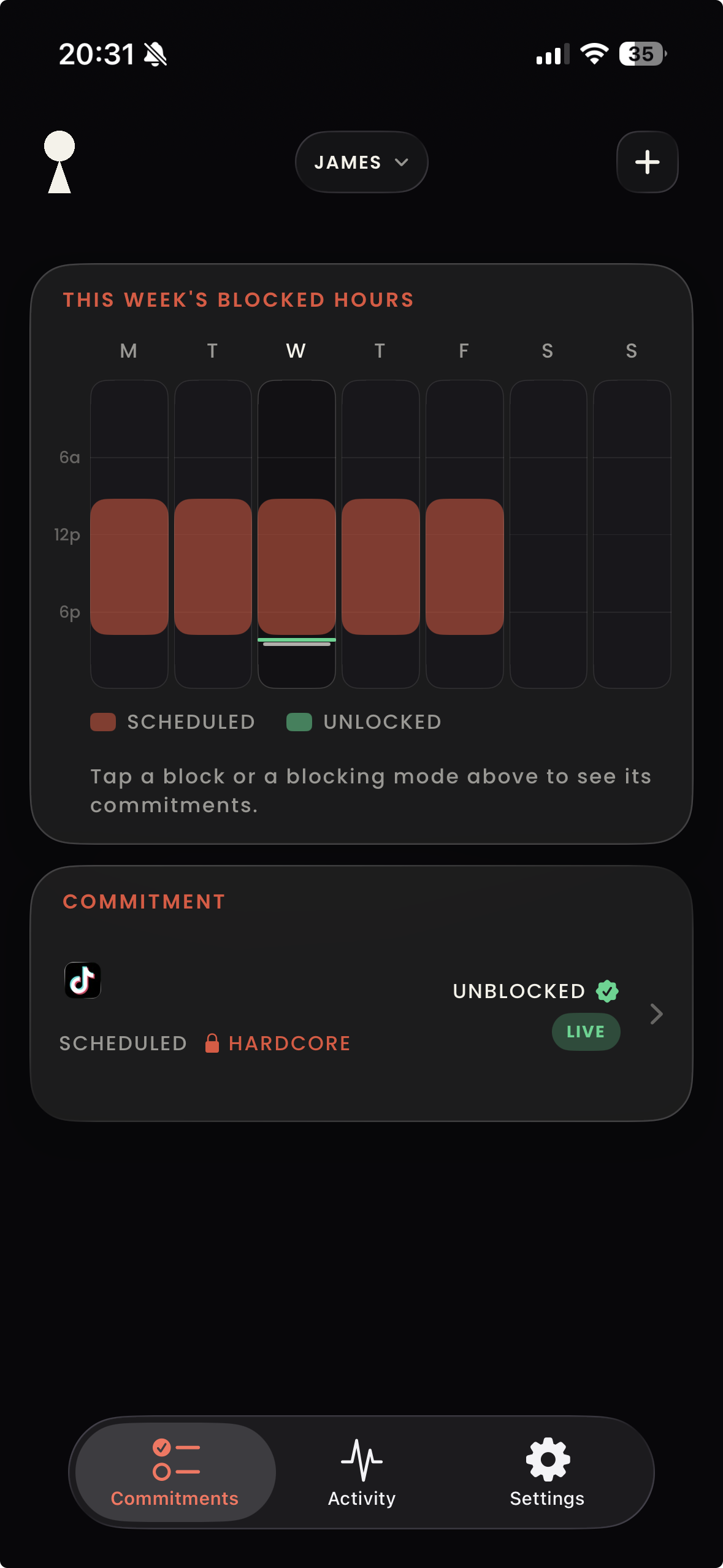
Their commitments, their asks, their effort as numbers. Guard as many children as you have, each with their own commitments, and switch between them from the top of your dashboards.
Guardian mode
One guardian phone, as many children as you have. Pair each one once.
1. Pair · Your phone
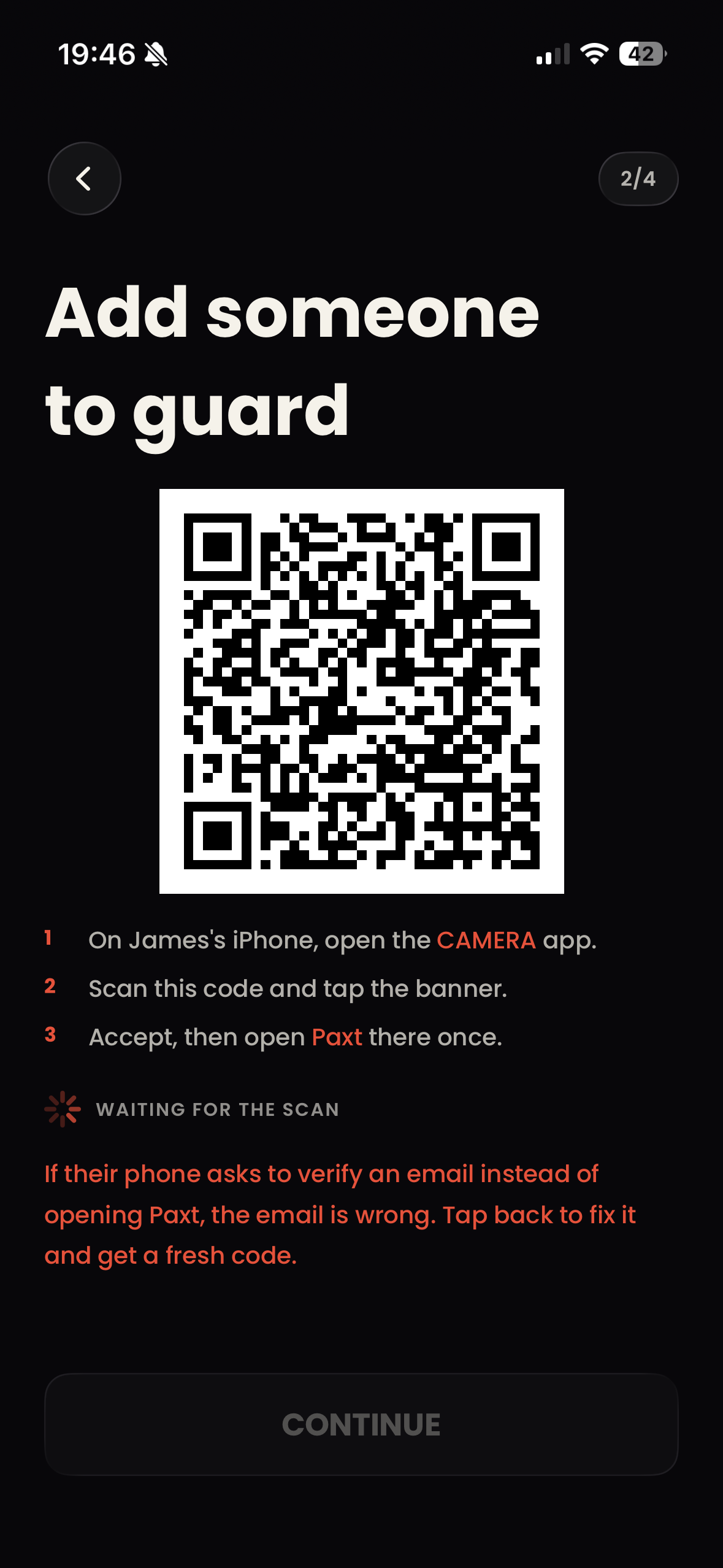
Your child scans this code to connect the phones.
You
Your child
Their camera reads the code on your screen. Paired, for good.
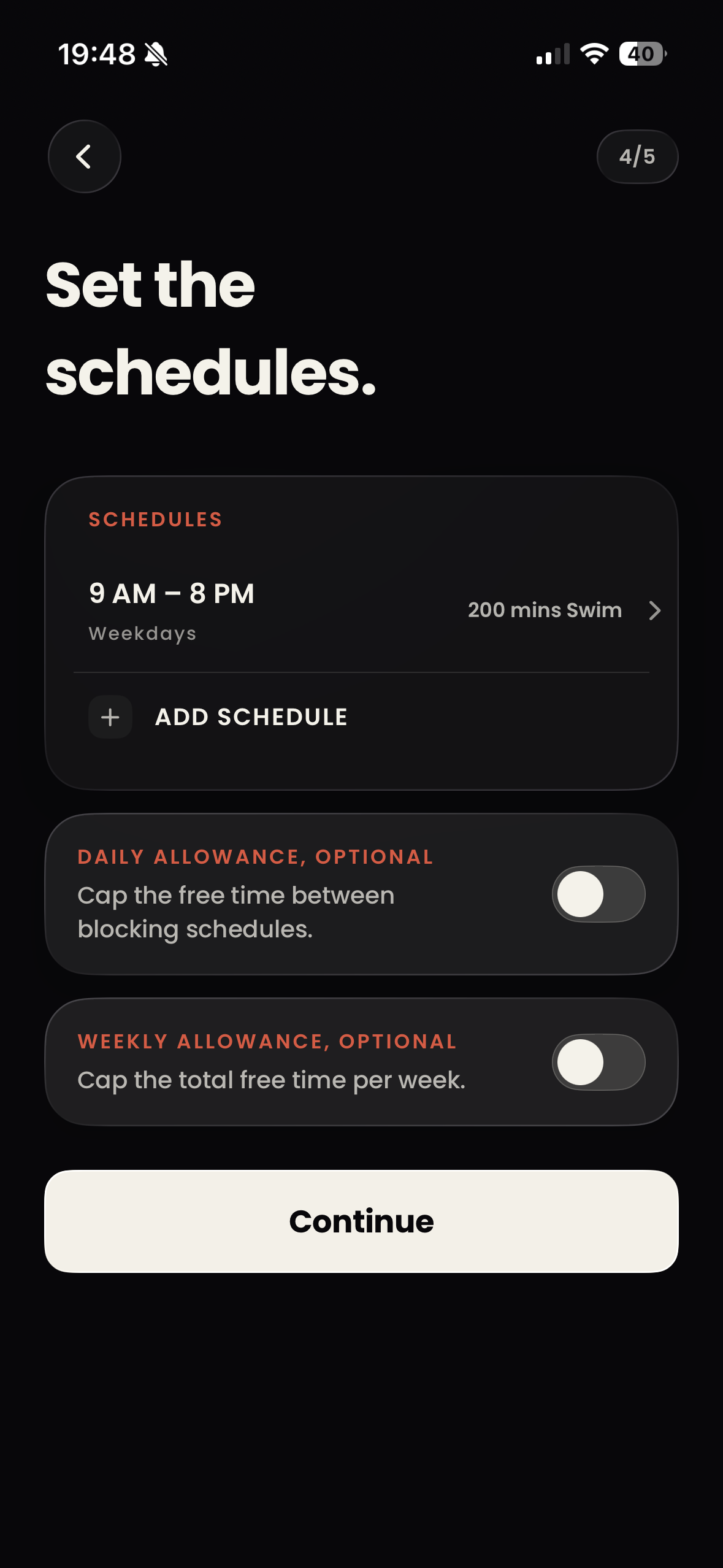
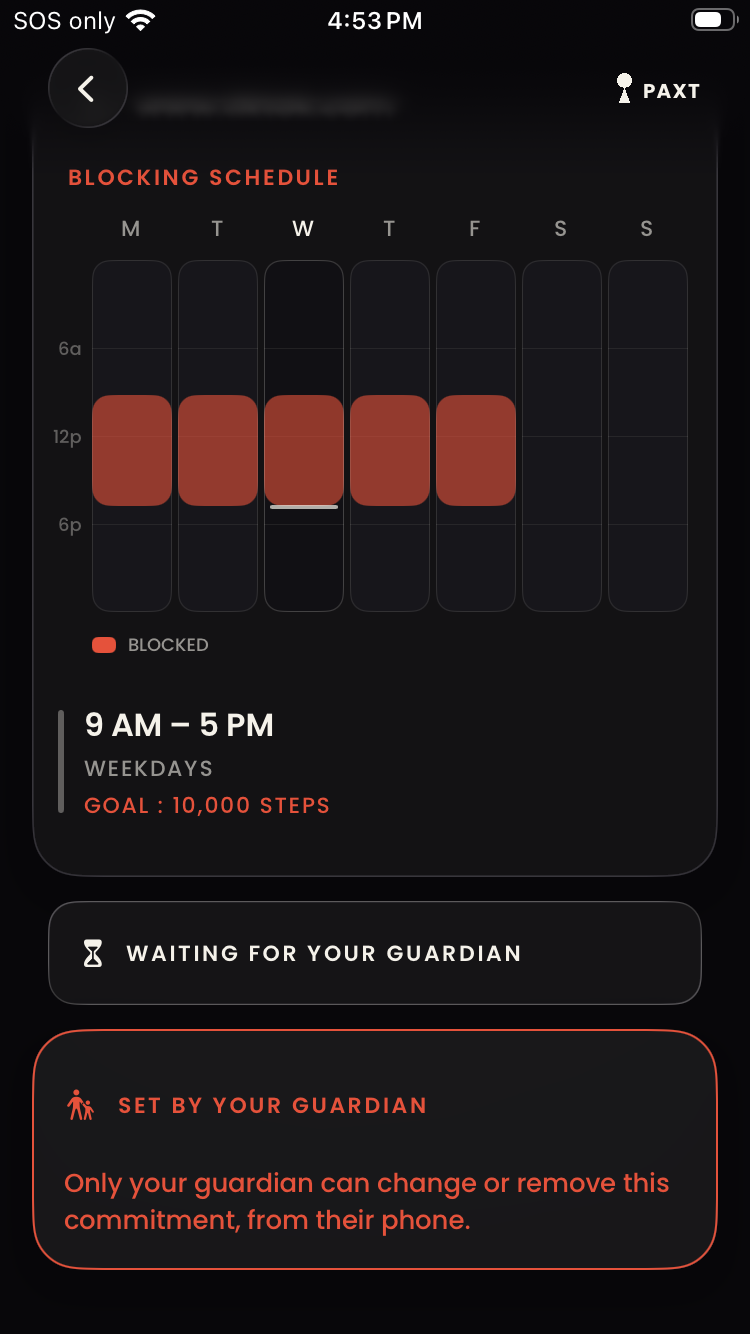
The commitments and their goals land on their phone, sealed.
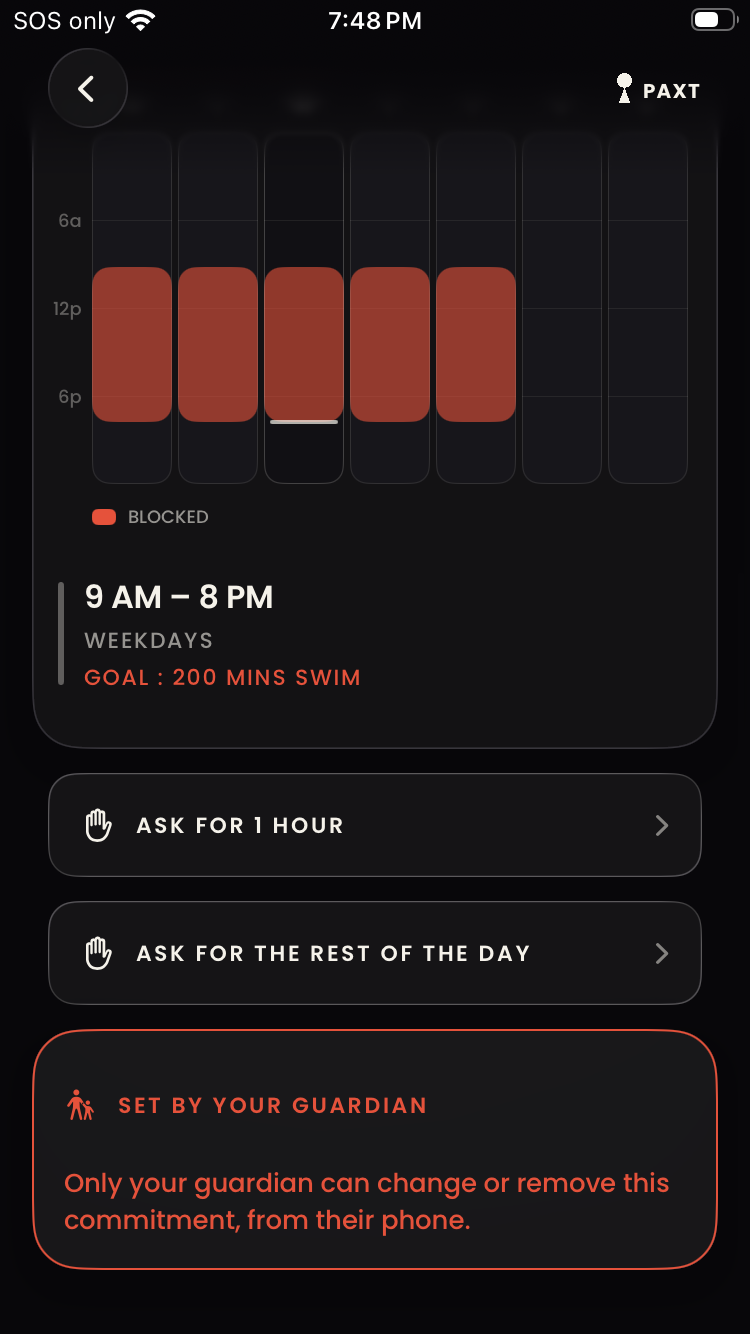
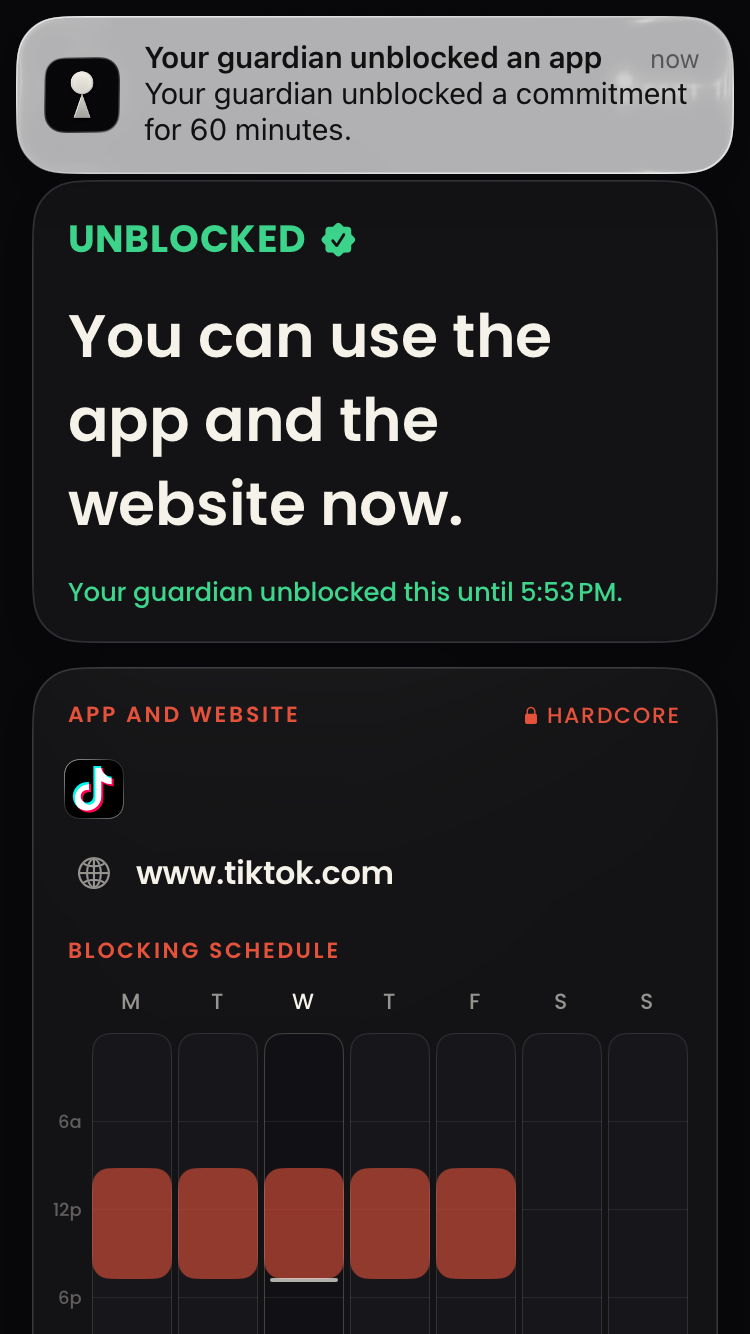
They ask you to unlock an app for an hour. You decide.
Accept, and the app opens on their phone for the hour. Deny, and it stays shut.
Your phone
Your child scans this code to connect the phones.
Your child's phone
Their camera reads the code on your screen.
Your phone
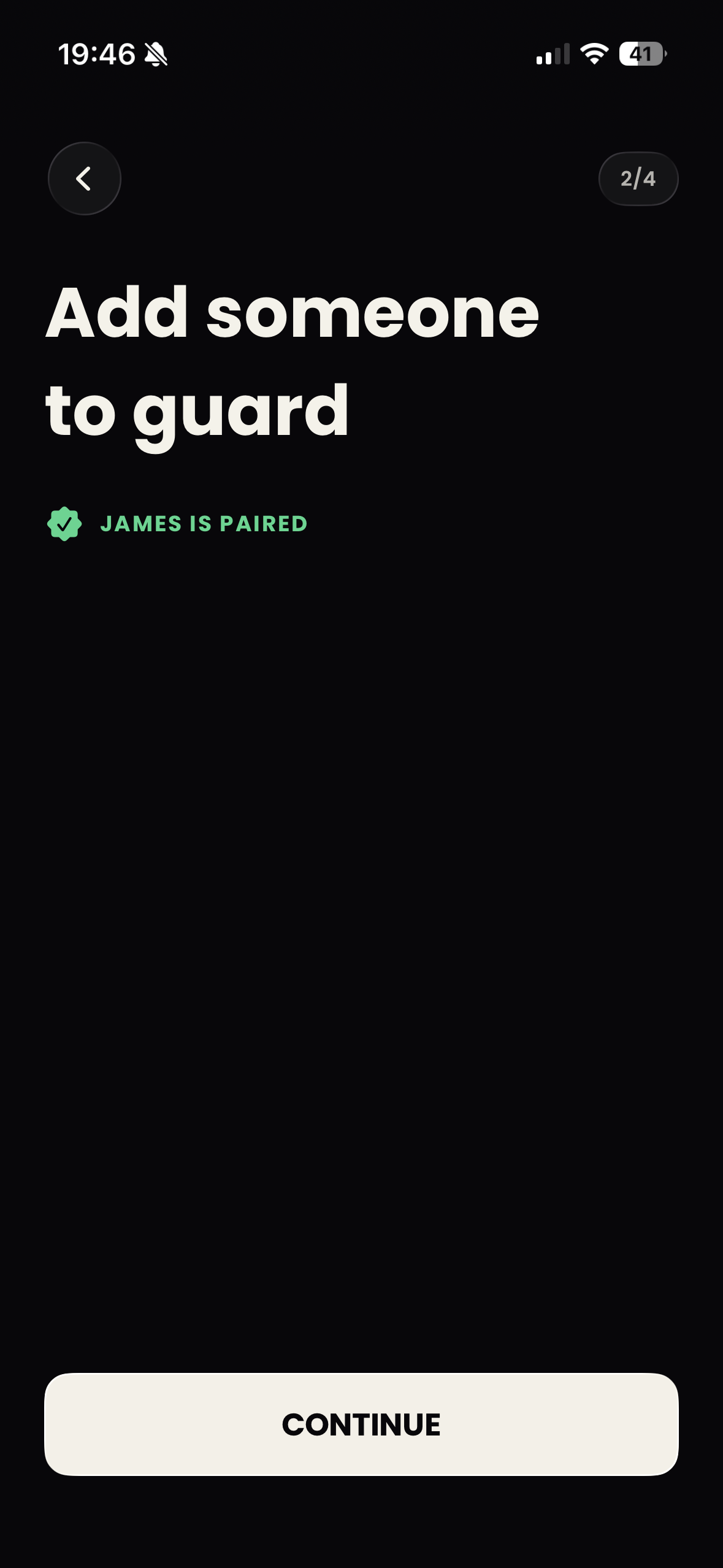
Your child's phone is now connected to yours.
What you see
Their commitments, their asks, their effort as numbers. Guard as many children as you have, each with their own commitments, and switch between them from the top of your dashboards.
What travels
Commitments, requests, status and effort summaries travel through your private iCloud storage to the paired phones. Paxt's developer cannot browse or export these records. Unpair to stop sharing and remove the pairing's iCloud records.
What you need
Your child pays nothing.
See pricing